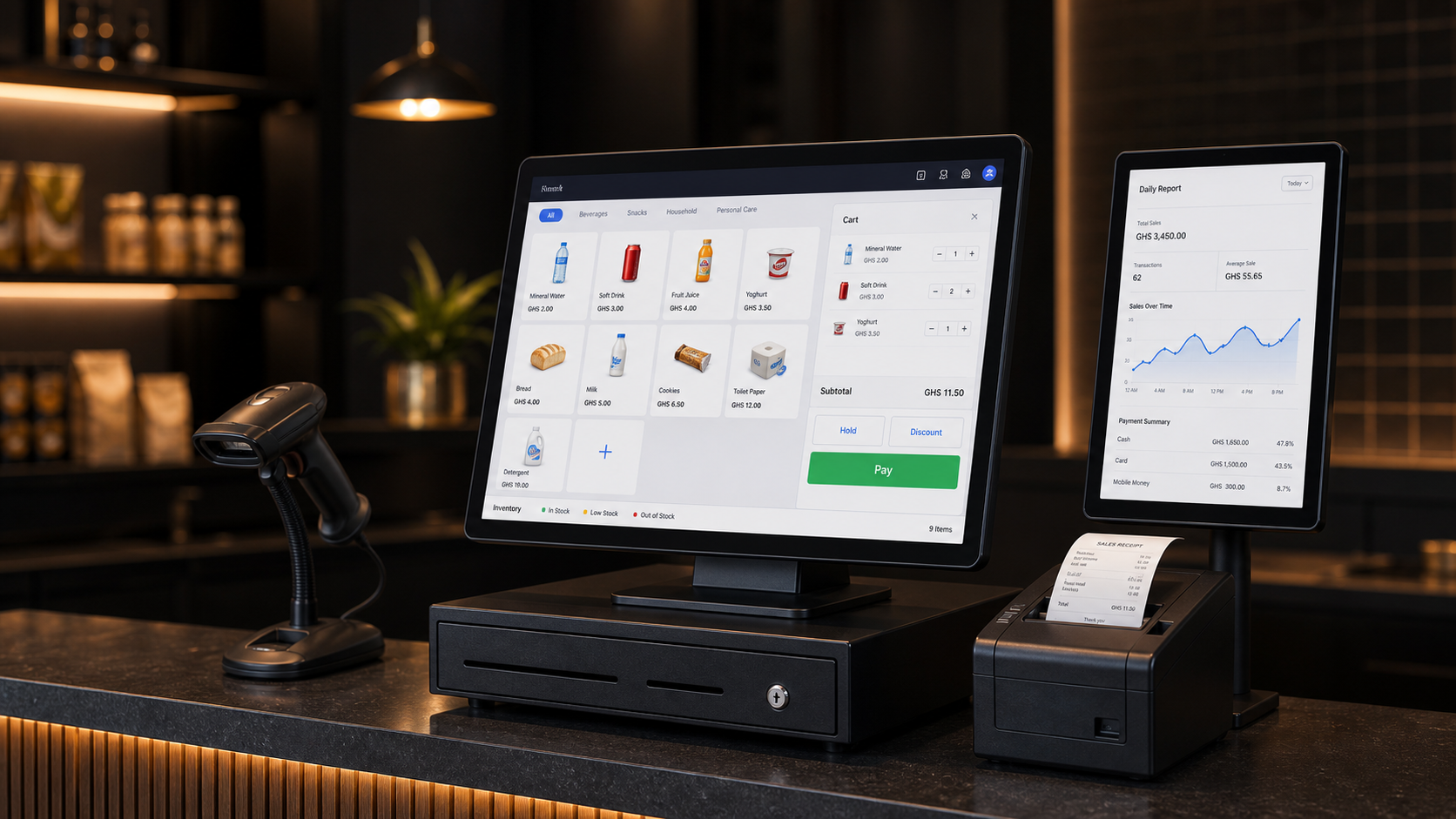
Featured advert
POS System for shops
Fast checkout, stock control, receipts, and sales reports for serious retail teams.
Request POS demo ↗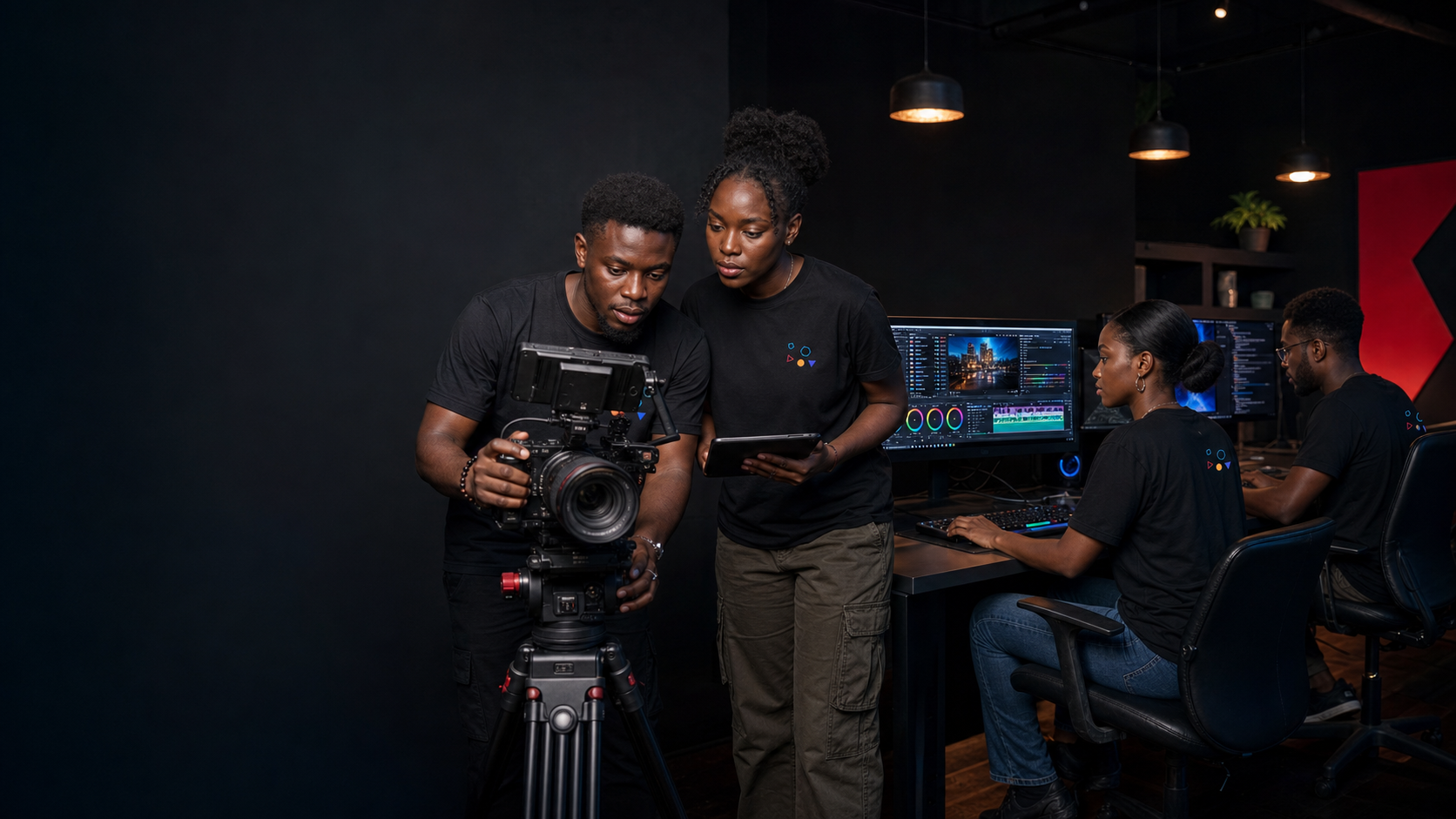
We build software, shape brands, produce media, and design the digital systems that help ambitious businesses move faster.
Fast checkout, stock control, receipts, and sales reports for serious retail teams.
Request POS demo ↗Loading adverts...
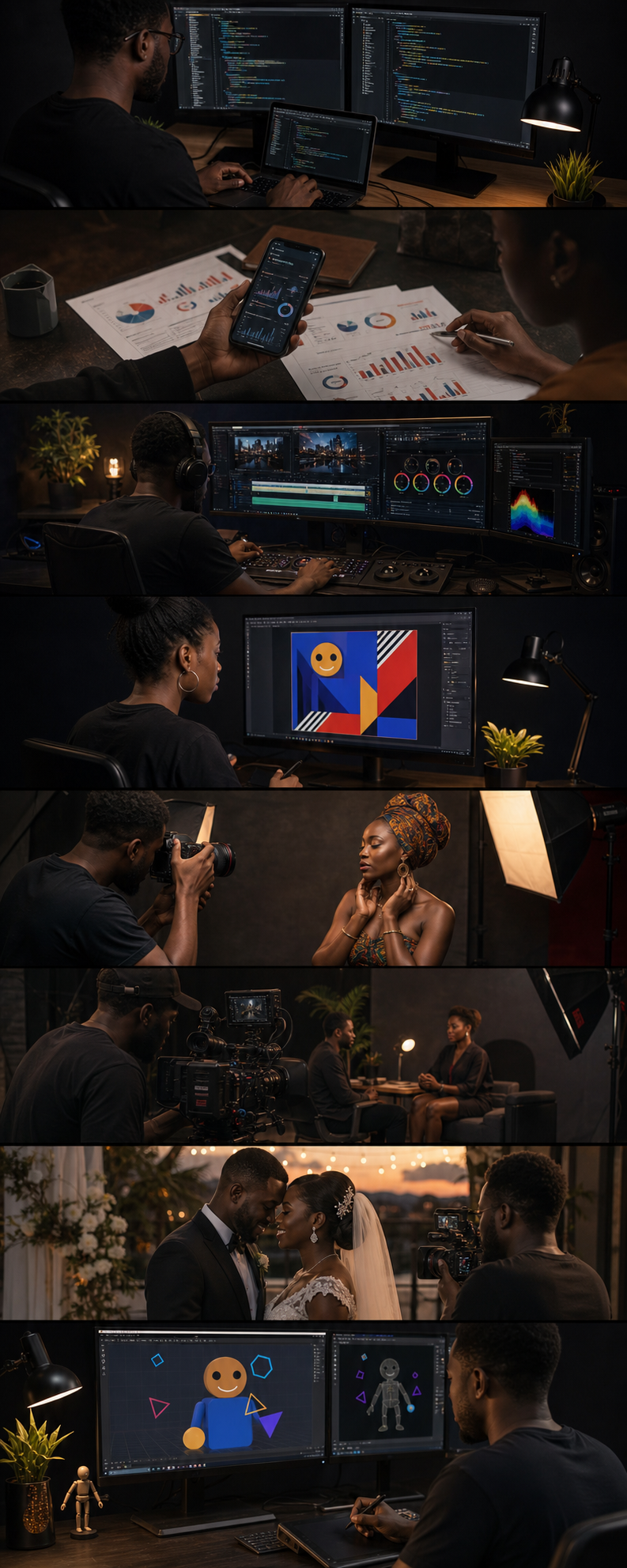
Custom software that solves real problems.
Reach the right audience. Drive results.
Professional studio. Powerful production.
Bold visuals. Built to communicate.
Capturing moments that matter.
Stories told with film and purpose.
Timeless memories. Cinematic style.
Bringing ideas to life through motion.
Fast checkout, stock control, sales reports, and smarter retail operations.
Request a POS demo ↗
Affordable bundle access, clean payment flow, and quick customer support across Ghana's major mobile networks.




We bring years of hands-on experience across software, media, and design to deliver work that's built to last.
We don't disappear after delivery. Our team is responsive, helpful, and committed to your success.
Strategy, creativity, and clean technology work together to solve real business problems.
No fluff. No confusion. Just clear processes, transparent communication, and results you can measure.

Jackson, also known as Jhims, is the developer and creative lead behind JACKSTUDIOS. He builds practical software for businesses, schools, hospitals, shops, events, and organizations that need reliable digital systems.
His work brings technology and creativity together: JHIMS hospital software, POS systems, voting platforms, attendance tools, school management systems, mobile data bundle workflows, websites, brand visuals, photography, and video production.
Work with Jackson